Bitcut for Real Estate: Property Walkthrough to Branded Reels
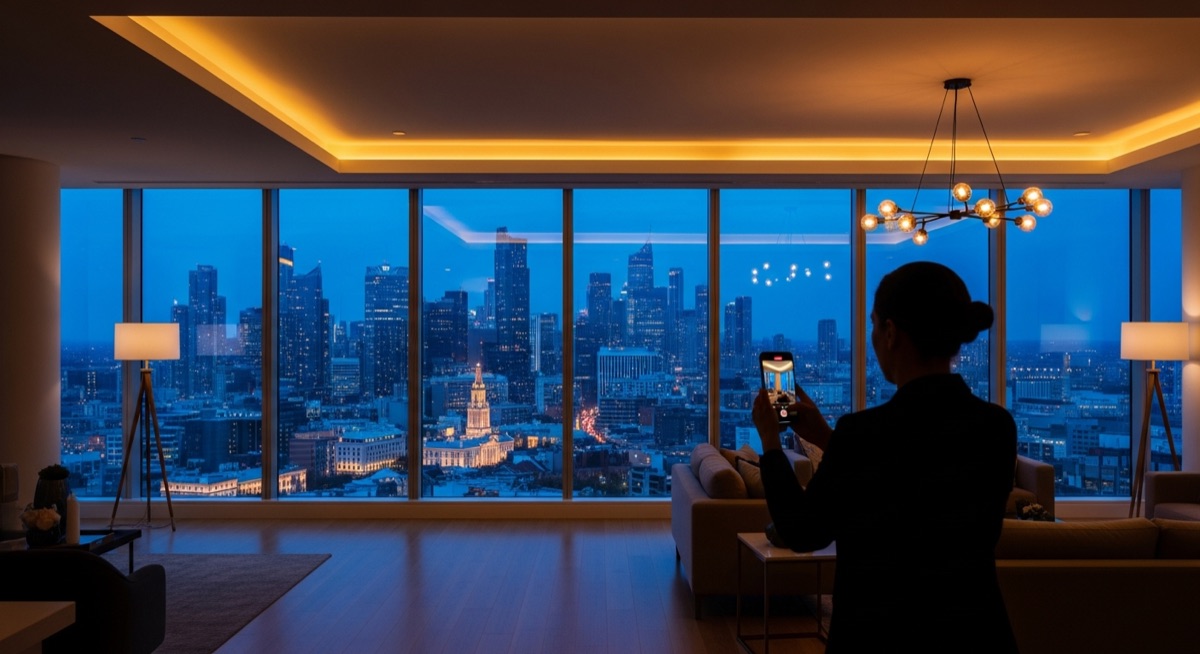
You record property walkthroughs on your phone. The footage is horizontal, the narration has no subtitles, and there is no branding. Before you can post it anywhere, you need to crop for vertical, add your agency logo, burn in subtitles so viewers watching on mute still follow the tour, and maybe add a title card with the address and price.
Bitcut handles all of that on your iPhone. Record the walkthrough, import it, and get branded vertical Reels with your face in frame and narration subtitled — ready for Instagram, TikTok, YouTube, and your MLS listing.
Real Estate Reel Editor: Face Tracking, Logos and Cards
Face Tracking
Your walkthrough is 16:9, but Reels are 9:16. Face Tracking detects you in the frame and creates a vertical crop that follows you as you move through rooms. When the camera angle changes, Bitcut detects the scene change and re-locks. You stay centered without manual keyframing.
Guide: Face TrackingNarration Subtitles
Most property scrolling happens on mute. Bitcut transcribes your narration and burns in word-level subtitles so viewers follow every room description, feature callout, and pricing detail without turning on sound.
Guide: Subtitle StylesLogo Overlay
Add your agency logo once — set position, size, and opacity — and it applies to every export. No re-importing, no repositioning. Your branding is consistent across every listing video you produce.
Guide: Overlay EffectsTitle Cards
Add a title card with the property address, price, bed/bath count, or open house date. Place it at the start of the video as a hook, at the end as a call to action, or both. Custom fonts and colors match your brand.
Guide: Title Cards
Step by Step: Walkthrough to Branded Reels
Record and import
Record the walkthrough on your phone. Open Bitcut, create a new project, and import the video from camera roll or Files. No file transfers or desktop needed.
Face Track for vertical
Tap the Face Tracking button. Bitcut analyzes the clip, detects your face in every frame, and generates a 9:16 crop that follows you through the property. Scene changes between rooms are handled automatically.
Add subtitles for narration
Run Clips Enhancement to transcribe your narration. Bitcut generates word-level subtitles with AI text correction. Choose a style that matches your brand — colors, font, animation preset.
Brand it
Add your agency logo as an overlay. Drop in a title card with the property address, price, and key details. If you have set up branding before, it carries over — just update the listing details.
Export for every platform
Export in 9:16 for Reels and TikTok, 1:1 for Instagram feed, or 16:9 for YouTube and MLS. The same project exports in multiple aspect ratios — Face Tracking adjusts the crop for each format.
Per Listing: 4 Branded Reels with Agent in Frame
From a single 5-minute walkthrough, you get 3–4 branded Reels between 30 and 90 seconds. Each clip includes:
- Vertical 9:16 crop with the agent centered in frame throughout
- Burned-in subtitles so muted viewers follow every detail
- Agency logo positioned consistently across every video
- Title card with property address, price, and key features
- Multiple export formats from the same project
Real Estate Agents, Property Managers and Brokerages
- Real estate agents: Turn listing walkthroughs into branded Reels and TikToks that drive inquiries.
- Property managers: Showcase rental units with professional-looking video tours on social media.
- Airbnb hosts: Create polished property highlight reels that stand out in search results and social feeds.
- Architecture firms: Present completed projects with narrated walkthroughs, subtitled and branded for client presentations and portfolios.
Why Bitcut for Real Estate
Frequently Asked Questions
Does Face Tracking work during a walkthrough where the agent moves through rooms?
Yes. Face Tracking detects the agent in each frame and adjusts the vertical crop as they move. When the camera cuts to a different room or angle, Bitcut detects the scene change and re-locks onto the agent. The result is a smooth 9:16 crop where the presenter stays centered throughout the tour.
Can I save my agency branding and reuse it on every listing?
Yes. Set up your logo overlay once — position, size, and opacity — and it applies to every new project. You do not need to re-import or reposition the logo for each property. Change it once, and all future exports use the updated branding.
What aspect ratios can I export?
Bitcut exports in 9:16 (Reels, TikTok, Stories), 1:1 (Instagram feed), and 16:9 (YouTube, MLS listings). You can export the same project in multiple ratios without re-editing. Face Tracking adjusts the crop for each format.
Can I add property details like address and price to the video?
Use title cards to add text overlays with the property address, price, square footage, or any other listing details. Title cards support custom fonts, colors, and positioning. They appear at the start, end, or anywhere you place them on the timeline.
How long does it take to go from recording to finished Reel?
A typical 5-minute walkthrough takes about 10 minutes to process: import, Face Track, add subtitles, drop in your logo, and export. Once your branding template is set up, repeat listings go even faster.