Bitcut for Travel Vloggers: 2 Hours of Footage to 15 Cinematic Reels
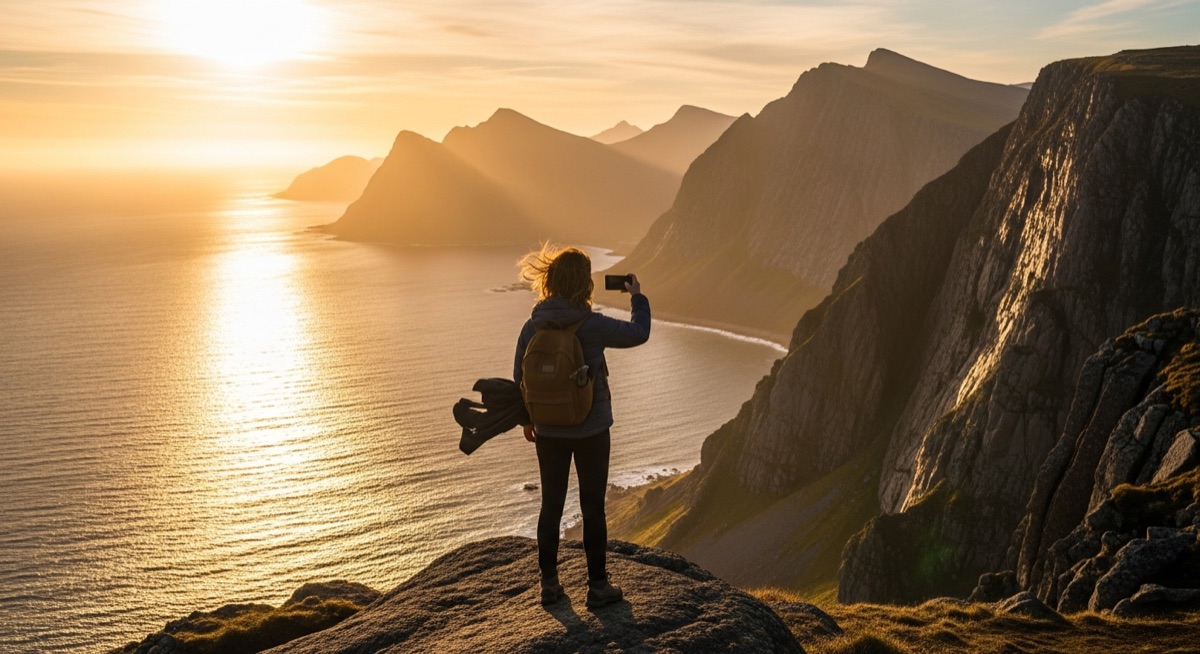
You come back from a trip with hundreds of clips. Drone shots, street footage, food close-ups, selfie narrations, panoramic pans. Some horizontal, some vertical. All sitting in your camera roll, unedited.
Bitcut turns that raw footage into cinematic Reels on your iPhone. Import your clips, add a music track, and let Smart Trimmer pick the best moments. Beat Sync snaps every cut to the music, Face Tracking reframes selfie clips to vertical, and video filters give the whole project a consistent, polished look. You go from two hours of raw footage to a set of Reels that feel like a travel film.
Travel Reel Editor: Beat Sync, Face Tracking and Filters
Beat Sync
Add a music track and Bitcut detects every beat in the audio. Clip boundaries snap to the nearest beat automatically. Scenic transitions, drone reveals, and street-level cuts all land on downbeats — your montage feels like a music video, not a random slideshow.
Guide: Beat SyncFace Tracking
Selfie-style clips filmed in 16:9 get auto-reframed to 9:16. Face Tracking finds you in the frame, creates a vertical crop, and follows your movement with smooth spring physics. Walk through a market, stand in front of a temple, gesture at a sunset — the crop stays on you.
Guide: Face TrackingSmart Trimmer
Long clips get trimmed to their strongest moments. Smart Trimmer uses visual analysis to detect motion, scene variety, and energy. From a 10-minute walking tour, it picks the most dynamic segments — a turn into a narrow alley, a sudden burst of color, a wide reveal. No manual scrubbing needed.
Guide: Smart TrimmerVideo Filters
10 filter presets designed for real footage. Cinematic adds filmic contrast for a documentary feel. Warm enhances golden-hour tones. Vintage gives a nostalgic, analog look. Preview in real time and apply to individual clips or the entire project for a consistent visual style.
Guide: Video FiltersAI Story
AI Story analyzes your clips and structures them into a narrative arc — opening hook, rising action, climax, resolution. For travel content, it picks an establishing shot, builds through exploration, and ends on a high note. Your Reel tells a story instead of just showing random clips.
Guide: AI StoryAI Narration
Generate a voiceover for your travel story. Describe the trip context, pick a style (documentary, cinematic, personal), and AI creates narration that matches your footage.
Guide: AI Narration
Step by Step: Travel Footage to Reels
Import your travel clips
Open Bitcut, create a new project, and import clips from your camera roll or Files. Drone shots, street footage, food close-ups, selfie narrations — bring in everything from the trip. You can import from an external drive if your phone storage is limited.
Add a music track
Pick a track that matches the mood of your trip — upbeat for city adventures, ambient for nature, acoustic for slow travel. Bitcut analyzes the waveform and maps every beat. This beat grid becomes the timing foundation for all your cuts.
Smart Add to auto-pick the best moments
Tap Smart Add and Bitcut analyzes each clip. For clips with narration, AI transcribes your speech, finds the strongest segments, and adds subtitles. For scenic clips without speech, Smart Trimmer picks the most visually dynamic moments. All clip boundaries snap to the beat grid.
Face Track selfie clips and apply filters
Tap the Face Tracking button on any 16:9 selfie clip to auto-reframe it to vertical. Then choose a video filter — Cinematic, Warm, or Vintage — and apply it across the project for a consistent, polished look that ties all your clips together.
Export and post
Export as a vertical 9:16 Reel. Beat sync, face tracking, filters, subtitles, and audio mixing are all baked into the final file. Post directly to Instagram, TikTok, or YouTube Shorts.
From One Trip: 15 Vertical Reels with Cinematic Look
From a single trip, you get a set of vertical Reels where:
- Every scenic transition lands on a beat — drone reveals, street pans, and food close-ups cut to music like a professional travel film
- Selfie narrations are properly framed in 9:16 with your face centered, even as you walk and gesture
- Only the strongest moments from each clip make it in — no dead footage, no aimless panning
- Filters give the footage a consistent cinematic look across different lighting conditions and locations
- Subtitles appear automatically on narrated clips, making your story accessible even on mute
Travel Vloggers, Digital Nomads and Adventure Creators
This workflow fits anyone turning travel footage into social media content:
- Travel vloggers — turn daily trip footage into a steady stream of cinematic Reels from every destination
- Digital nomads — document your lifestyle with polished content created entirely on your phone, no laptop needed
- Tour guides — showcase destinations with beat-synced montages and narrated walkthroughs that attract bookings
- Adventure creators — hike, surf, dive, or climb — Smart Trimmer picks the peak-action moments from every activity
Why Bitcut for Travel Content
Frequently Asked Questions
How does Beat Sync help with travel montages?
Bitcut analyzes the audio waveform of your music track and detects every beat and transient. When you add travel clips to the timeline, their boundaries snap to the nearest beat. The result is a montage where scenic transitions, drone reveals, and street-level cuts all land on the beat — giving your travel Reel the pacing of a professional travel film.
Does Face Tracking work for selfie-style travel vlogs?
Yes. Face Tracking detects your face in 16:9 footage and creates a 9:16 crop that follows your movement with spring-physics smoothing. When you walk through a market, stand in front of a landmark, or gesture at a view, the crop stays on you. Scene changes between angles are detected and handled automatically.
Can Smart Trimmer pick the best moments from a long walking tour clip?
Smart Trimmer uses visual analysis to detect motion energy, scene variety, and dynamic moments. From a 10-minute walking clip, it picks the most visually interesting segments — a turn into a narrow alley, a pan across a skyline, a sudden burst of color. You get highlight-reel moments without scrubbing through everything yourself.
Which video filters work best for travel footage?
Cinematic adds filmic contrast and muted highlights for a documentary feel. Warm enhances golden-hour tones and sunlit scenes. Vintage gives a nostalgic, analog look that suits European streets and old towns. All 10 presets can be previewed in real time before exporting.
Can Bitcut add subtitles to travel narration automatically?
Yes. When you use Smart Add with AI, Bitcut detects speech in your clips and generates word-level subtitles with karaoke-style highlighting. This works for any language — narrate in English, Spanish, or Japanese and subtitles appear automatically. Great for travel stories where voiceover explains the location.