AI Shorts Maker for iPhoneLong video in.
Shorts out.
Drop in a stream, podcast, lecture or vlog. AI finds the best moments, reframes them to 9:16 and adds word-by-word captions.

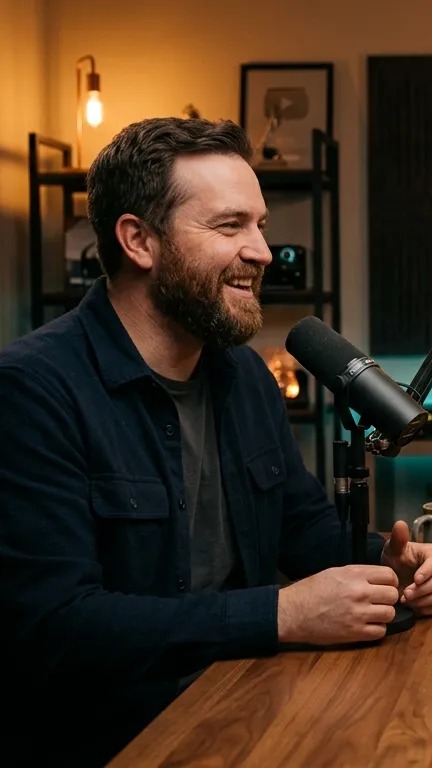

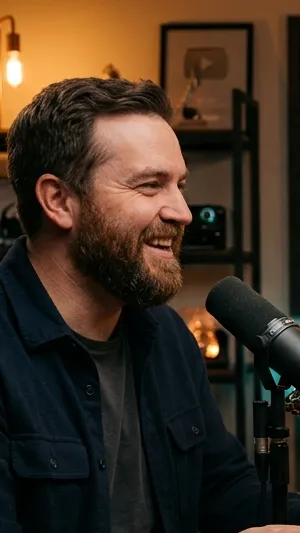
One episode.
8 Shorts ready.
AI finds the strongest moments and ranks them by quality. You see which Short to post first.
- A score for every ShortEach moment gets a rating and a one-line reason: hook, story, strong ending.
- Filter by lengthUnder a minute, 1–3 minutes or longer.
- Captions already onEvery Short comes with word-by-word captions.
16:9 → 9:16
automatically
Face tracking finds the speaker and keeps them in frame as the conversation moves between people.
ProFace tracking is part of the Pro plan
Every word,
perfectly timed
Each word lights up in sync with the voice. Pick a look, tweak colors, fix any word.
One tap.
New look.
Every look plays live on your own clip. Tap a style below to try it on this frame.


Cuts that land on time
On the beat
Add a track and every cut snaps to the beat. Available on every plan.
By speech
AI reads the transcript and picks moments that make sense on their own.
Made for
every niche
Podcasts, fitness, food, travel, tech, business

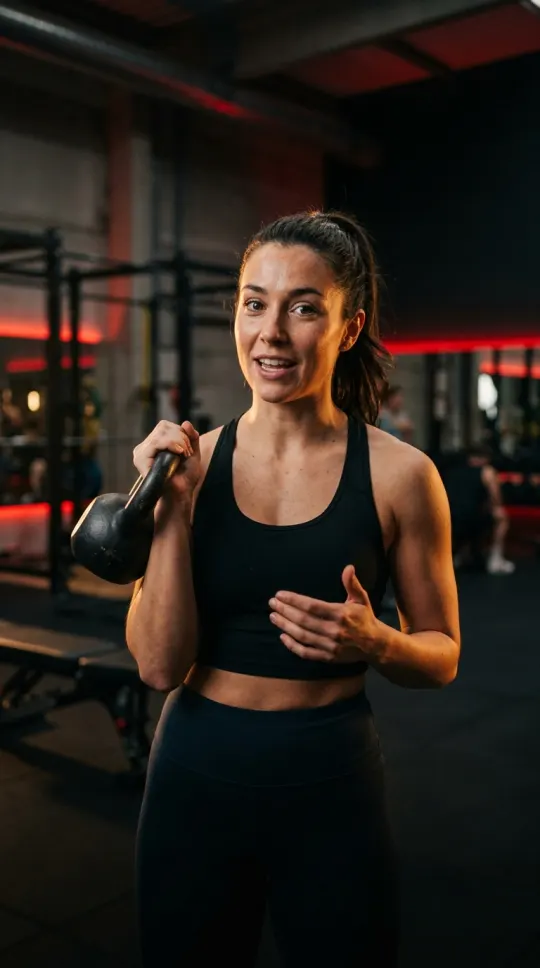


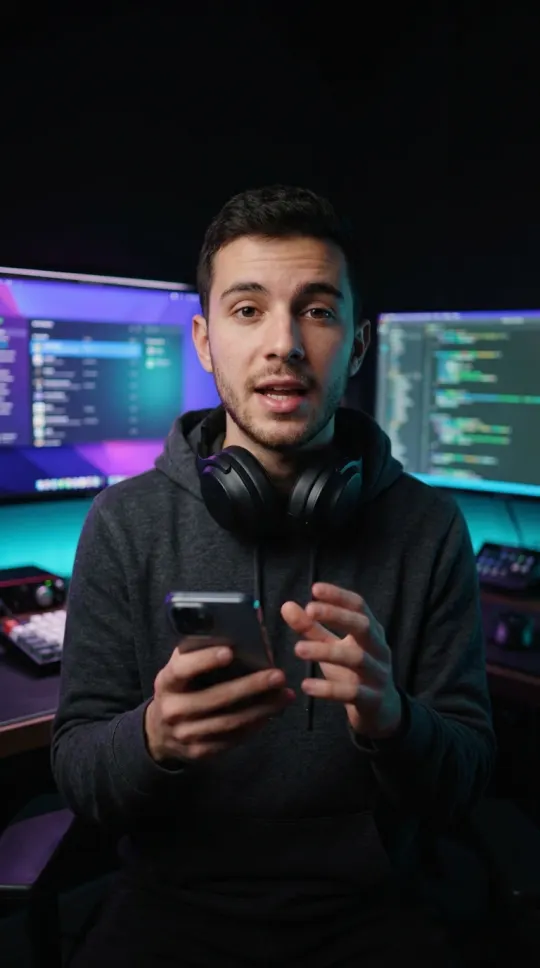

Guides by role: YouTubers · Educators · Musicians · Social media managers
Hours of stream.
Minutes of highlights
Paste a Twitch or YouTube link. Bitcut finds the best moments, cuts a 16:9 highlight reel with YouTube chapters and turns it into vertical Shorts.
-
1Paste a linkTwitch, YouTube or a file from your iPhone. Pick a reel length of 10, 20 or 30 minutes.
-
2Review the best momentsBitcut listens to the whole stream and lists moments in stream order, each with a score and a summary. Keep the ones you like.
-
3Export the reelOne 16:9 video in stream order, plus chapters to paste into the YouTube description.
-
4Make ShortsVertical clips with word-by-word captions. Each Short is cut into scenes, and every scene gets its own layout.
 16:96:14
- Streams up to 5 hoursBitcut listens to the whole recording and keeps the moments in the order they happened.
- Score and summaryEvery moment is rated, so the strongest ones stand out. The header shows how much of the target length you have filled.
- Chapters for YouTubeReady for the description: they start at 0:00, there are at least three, and each lasts ten seconds or more.
- Your webcam, foundBitcut finds the webcam frame on its own and shows it on a still, so you can correct the box.
- Five scene layoutsWebcam + content, webcam bubble, webcam only, content only and face follow. Each scene changes with one tap.
- Close the appA long stream takes a while. The job shows its stage and its place in the queue, and keeps going without you.
Scenes and layouts
In the app





Stream Highlights opens account by account: if Stream → Highlights is not on your home screen yet, it has not reached your account.
Stream highlights guide · Scenes guide · Stream to Shorts with a facecam layout
The editor is free.
AI is the upgrade.
Free
- Full timeline editor
- Music + beat sync
- 30 AI minutes / month
- Export with watermark
Pro
Everything in Free, plus:
- No watermark
- 300 AI minutes / month
- Face tracking
- AI subtitle correction
- 5 GB cloud storage
Creator
Everything in Pro, plus:
- 1000 AI minutes / month
- AI Story Director
- Multi-language subtitles
- Priority processing
- 50 GB cloud storage
Cancel anytime · Free plan with no time limit · Secure Apple payment
Stream highlights
Priced per stream. Your first stream up to 3 hours is free and exports with a watermark.
One stream
- One stream up to 5 hours
- Highlight reel without the watermark
- No subscription
Streamer
Everything in Creator, plus:
- 15 streams every 30 days
- Highlights without the watermark
- Streams up to 5 hours each
Cancel the subscription anytime · Secure Apple payment
Your next Short is already
in your camera roll
Download free. 30 AI minutes every month included.
Download on the App Store