How to Turn a Podcast into YouTube Shorts
Why Repurpose Podcasts into Shorts?
Podcasts are goldmines of content, but most episodes sit at 30-60 minutes — far too long for social media feeds. Platforms like YouTube Shorts, TikTok, and Instagram Reels actively push short content to new audiences.
The problem? Manually scrubbing through an hour of audio to find the best 30-second moments is tedious. That's exactly what AI solves.
What You Need
- A recorded podcast episode (video or audio)
- An iPhone or iPad
- Bitcut (free on the App Store)
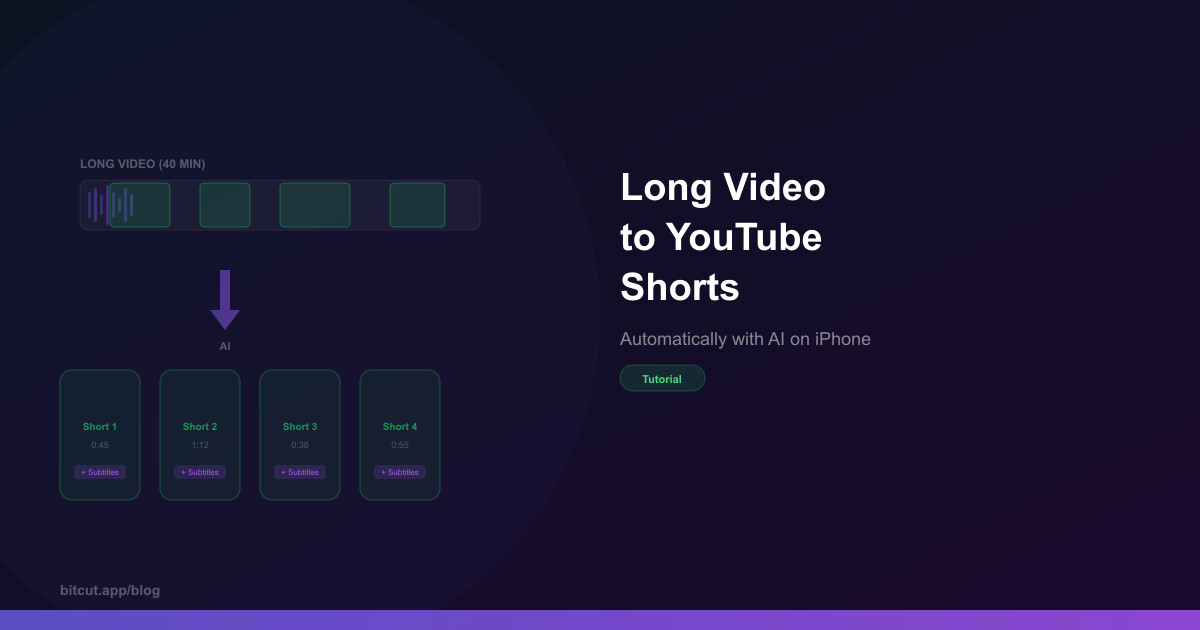
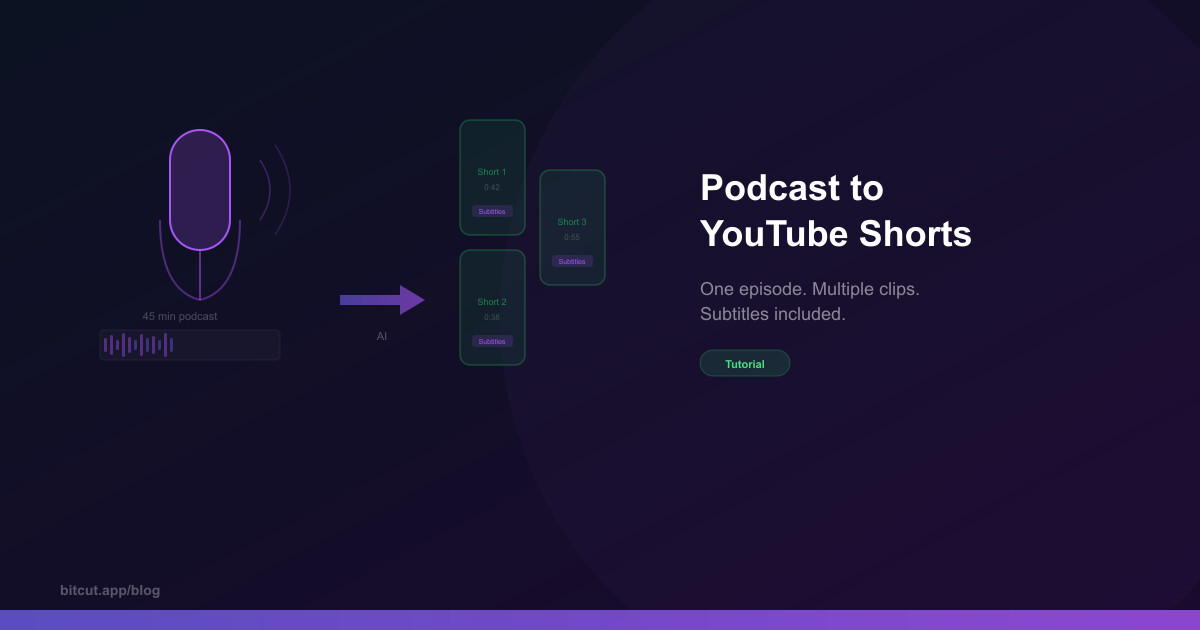
Bitcut's Generate Shorts feature uses AI to transcribe your full episode, find the most engaging segments, and create ready-to-post clips — complete with subtitles.
Step-by-Step Guide
Import Your Podcast
Open Bitcut, tap New Project, and select your podcast video from your photo library. If you only have an audio file, record a static background video and add the audio — Bitcut works best with video input.
Generate Shorts with AI
Tap the AI button and select Generate Shorts. Bitcut uploads your audio to the server, where it runs through three stages: AI transcription → text correction → smart segmentation. Processing takes 1-2 minutes for a 30-minute episode.
Review Your Clips
Bitcut creates separate projects for each detected segment. Each clip already has trimmed boundaries at natural speech points, word-level subtitles, and a suggested title.
Add Face Tracking (Optional)
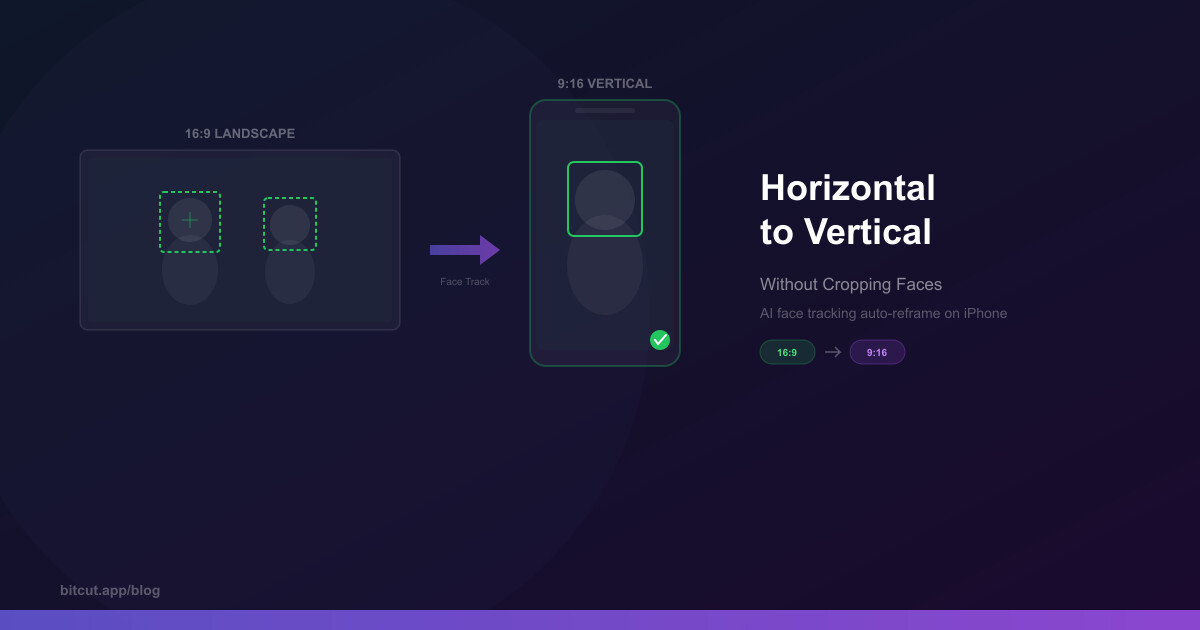
If your podcast is filmed in 16:9 (landscape), enable Face Tracking to automatically reframe to 9:16 for Shorts. Bitcut detects faces and applies smooth camera movements — no manual cropping needed.
Style and Export
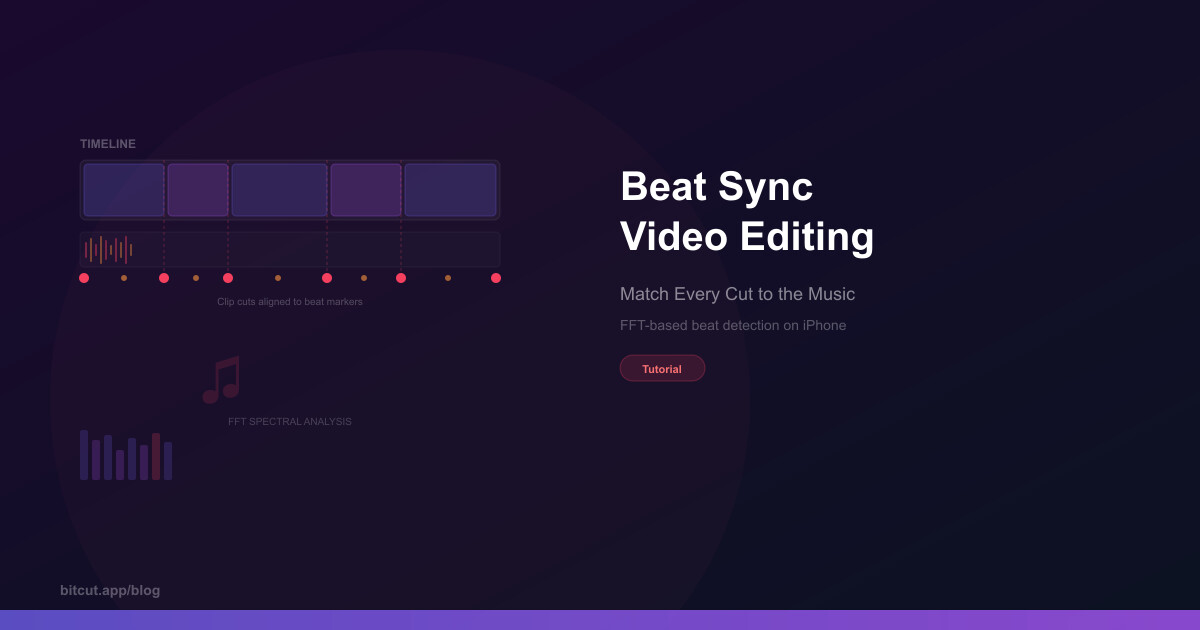
Customize subtitle styles (font, colors, animation), add background music with beat sync, and export at optimized bitrates for each platform.
Tips for Better Podcast Shorts
- Hook in the first 2 seconds — The AI tries to find segments that start with a compelling statement, but you can always trim the beginning to start at the peak moment
- Keep it under 45 seconds — Shorter clips have higher completion rates
- Use karaoke-style subtitles — Word-by-word highlighting keeps viewers reading along. 85% of social media video is watched without sound
- Post consistently — One podcast episode can yield 5-10 Shorts. Schedule them throughout the week
From One Episode to a Week of Content
A single 45-minute podcast episode can become 5-10 short clips, each targeting a different audience or platform. Instead of spending hours editing, the AI does the heavy lifting — finding the best moments, adding subtitles, and reframing for vertical video.
The entire workflow takes about 5 minutes of active work per episode. That's a content strategy you can actually sustain.