Bitcut for Fitness Creators: Workout Footage to Beat-Synced Reels
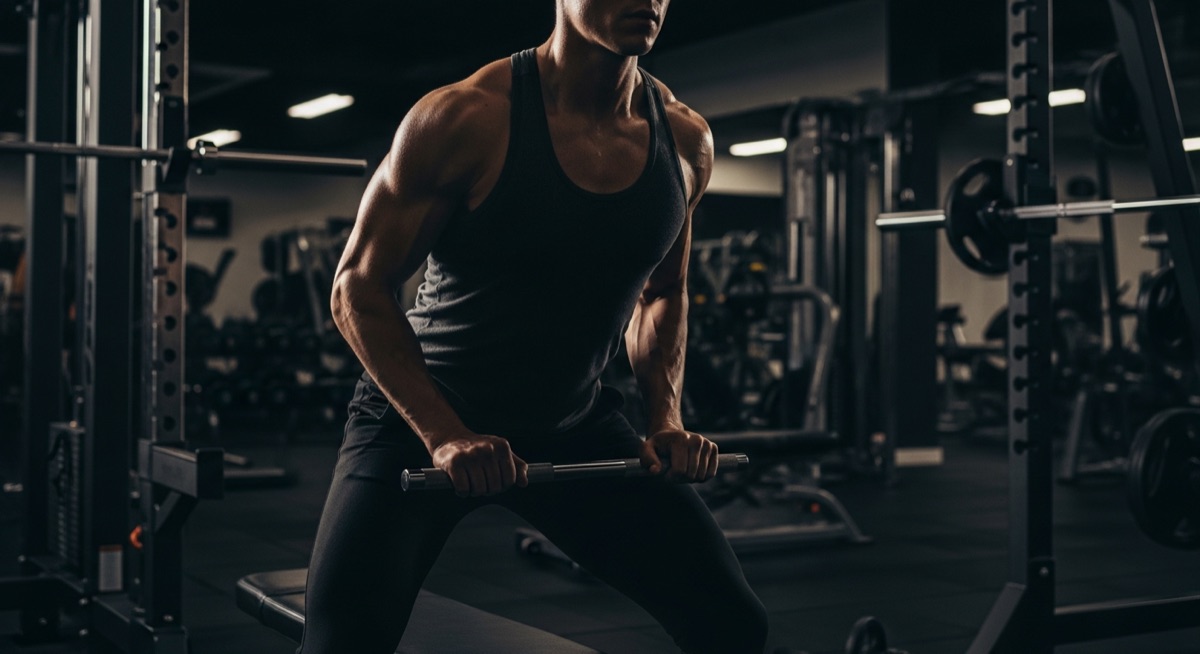
You film your workouts, your client sessions, your personal bests. You have hours of gym footage on your phone. The problem is turning that raw footage into the kind of Reels that actually grow your audience — fast cuts, synced to music, with the energy of the workout intact.
Bitcut does this on your iPhone. Import your clips, add a music track, and let Beat Sync snap every cut to the beat. Smart Trimmer picks the most dynamic moments from each clip, filters make the footage pop, and you export vertical Reels ready to post.
Fitness Reel Maker: Beat Sync, Smart Trimmer and Filters
Beat Sync
Add a music track and Bitcut detects every beat and transient in the audio. When you trim clips or add new ones, their boundaries snap to the nearest beat. Every cut lands on a downbeat — the edit feels like choreography.
Guide: Beat SyncSmart Trimmer
Smart Trimmer uses visual analysis to find the most dynamic moments in each clip — fast movement, high energy, peak effort. From a 5-minute recording of deadlifts, it picks the strongest 10 seconds automatically.
Guide: Smart TrimmerVideo Filters
10 filter presets designed for real footage. Vivid boosts gym lighting, High Contrast adds definition, Warm gives golden-hour tones. Preview in real time and apply to individual clips or the entire project.
Guide: Video FiltersTitle Cards
Add text overlays between exercises: exercise names, set counts, motivational cues. Built-in styles let you match your brand. Title cards are burned into the export — no separate app needed.
Guide: Title Cards
Step by Step: Gym Footage to Reels
Import your workout clips
Open Bitcut, create a new project, and import clips from your camera roll or Files. You can import a full 30-minute recording or a set of individual exercise clips.
Add a music track
Pick a track from your library or import an audio file. Bitcut analyzes the waveform and maps every beat. This beat grid becomes the foundation for all your cuts.
Smart Add to auto-trim
Tap Smart Add and Bitcut analyzes each clip for motion and energy. It picks the most dynamic moments — the peak of a squat, the snap of a box jump, the lockout of a press — and trims to those highlights. Clip boundaries snap to the beat grid automatically.
Apply filters and title cards
Choose a video filter to give the footage a consistent look. Add title cards between exercises to label movements or show set and rep counts. Use Voice Enhancement if you have coaching audio over gym noise.
Export in 9:16
Export as a vertical 9:16 Reel. Beat sync, filters, title cards, and audio mixing are all baked into the final file. Post directly to Instagram, TikTok, or YouTube Shorts.
Per Workout: 6 Beat-Synced Reels with Polished Filters
From a single workout session, you get a set of vertical Reels where:
- Every cut lands on a beat — the montage feels like a music video, not a random slideshow
- Only the most dynamic moments make it in — no dead reps, no rest between sets
- Filters give the footage a polished, consistent look across all clips
- Title cards label exercises so viewers know exactly what they are watching
- Audio is clean — music up front, coaching cues clear when present
Personal Trainers, Gym Influencers and Yoga Instructors
This workflow fits anyone creating fitness content for social media:
- Personal trainers — showcase client transformations and workout routines
- Gym influencers — turn daily training footage into a steady stream of Reels
- Yoga instructors — create flow sequences with transitions synced to ambient music
- Sports coaches — break down drills and technique with labeled clips
Why Bitcut for Fitness Content
Frequently Asked Questions
How does Beat Sync make workout montages look professional?
Bitcut analyzes the audio waveform of your music track and detects every beat and transient. When you add clips to the timeline, their boundaries snap to the nearest beat. The result is a montage where every cut, every transition, and every new exercise lands exactly on the beat — the same technique used in professional fitness commercials.
Does Smart Trimmer work with fast-moving gym footage?
Smart Trimmer uses visual analysis to detect motion energy and dynamic moments. Fast exercises like box jumps, kettlebell swings, and burpees score high because they contain rapid movement. The trimmer picks those peak moments automatically.
Can I add voiceover instructions to a workout clip?
Yes. Record coaching cues directly in Bitcut or import a separate audio file. Voice Enhancement cleans up gym echo and background noise. Audio ducking lowers the music during voice segments so instructions stay clear.
Which video filters work best for gym footage?
Vivid and High Contrast are the most popular for gym content — they boost colors and make muscles and movement pop on screen. Bitcut includes 10 filter presets. You can preview each one in real time before exporting.
Can I create a title card with exercise names?
Use the Title Card feature to add text overlays at the start of each clip or between exercises. Choose from built-in styles, set duration, and the card is burned into the final export. Great for labeling sets, reps, or workout sections.