Stream to Shorts: Facecam on Top, Gameplay Below
Turn a long stream, lecture or podcast into vertical Shorts with the speaker on top and the screen below. Find the moments, set the layout once, and fix any scene with a tap.
Twitch Clips to TikTok: Turn a Full Stream into Vertical Clips
Move Twitch clips to TikTok the slow way, one 60-second clip at a time, or cut a 3-hour stream VOD into captioned vertical clips with AI on iPhone or Mac.
How to Turn a YouTube Video into Shorts (Your Own Long Uploads)
Turn a YouTube video into Shorts two ways: YouTube's built-in 60-second tool, or AI that cuts a 1-hour upload into 10 captioned Shorts on iPhone.

How to Turn a Webinar into Social Media Clips
Convert a webinar recording into social media clips for LinkedIn, YouTube Shorts, Instagram, and TikTok — automatically with AI, right on iPhone.
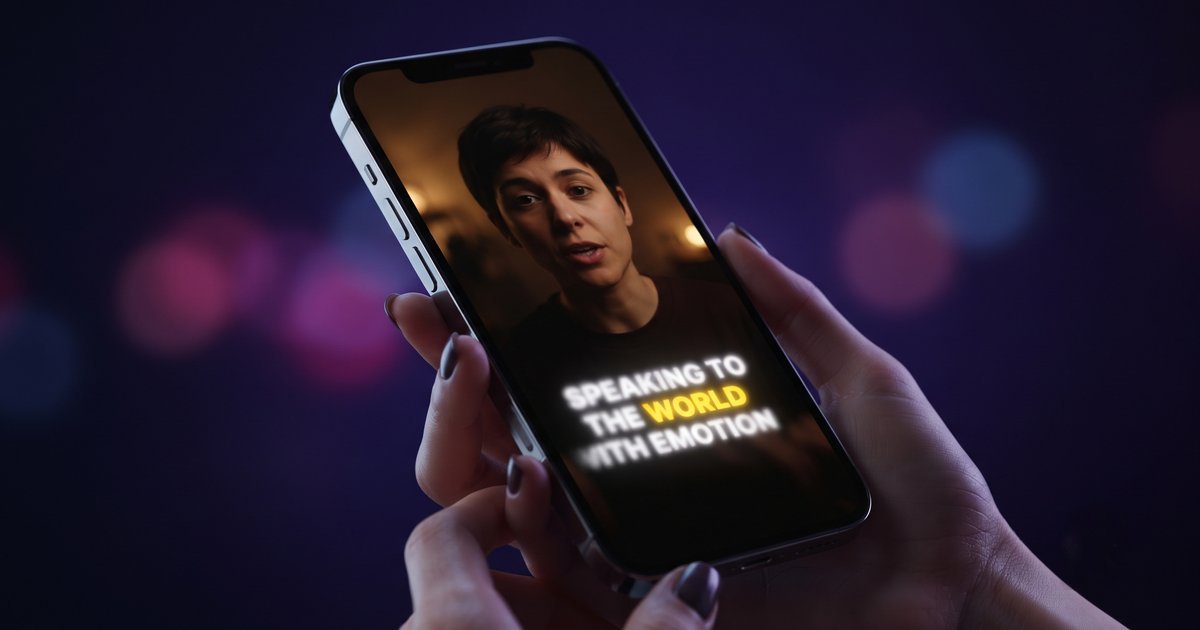
Karaoke Captions: How to Add Word-by-Word Highlighted Subtitles on iPhone
Karaoke captions highlight each word as it is spoken. Learn how to add them on iPhone, style them for Shorts and Reels, fix timing, and export.

AI Clip Maker: How It Works and How to Use One on iPhone
An AI clip maker finds the best moments in a long video and cuts, reframes and captions them automatically. Here is how it works and how to run one on iPhone.
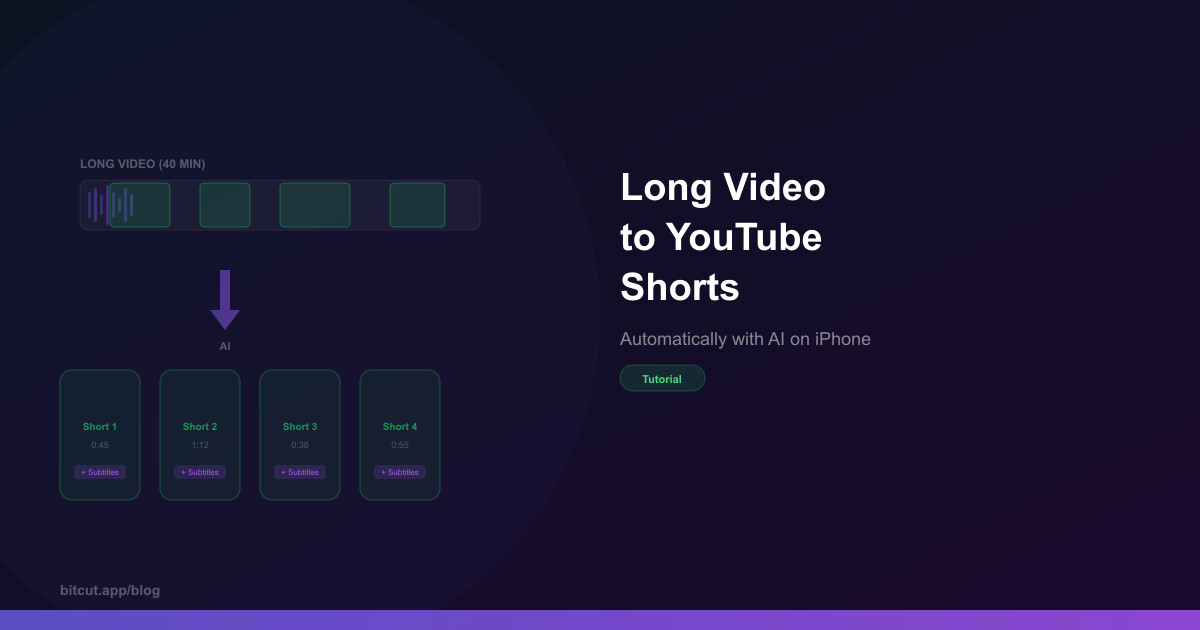
Long Video to Shorts: How to Create YouTube Shorts from Long Videos on iPhone
Long video to Shorts on iPhone, three ways: manual editing, web tools, and AI that cuts a 30-minute video into 5–10 captioned Shorts in minutes.
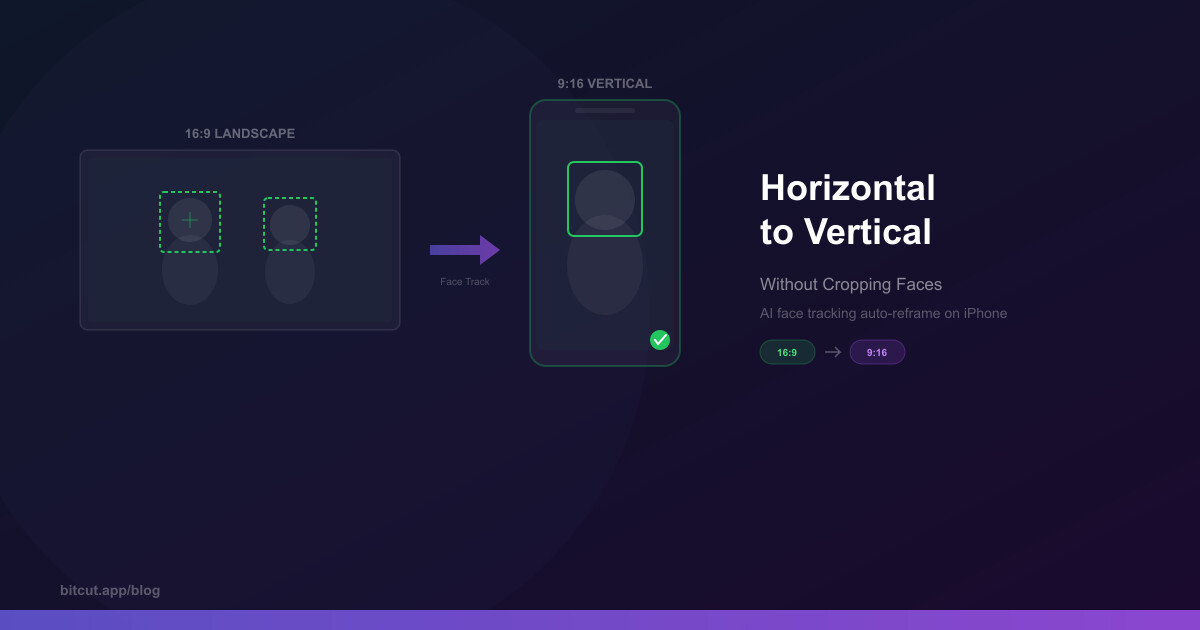
How to Convert Horizontal Video to Vertical Without Cropping Faces
Turn 16:9 landscape footage into 9:16 vertical Shorts, Reels, and TikToks without losing faces or context — using AI face tracking with spring physics.
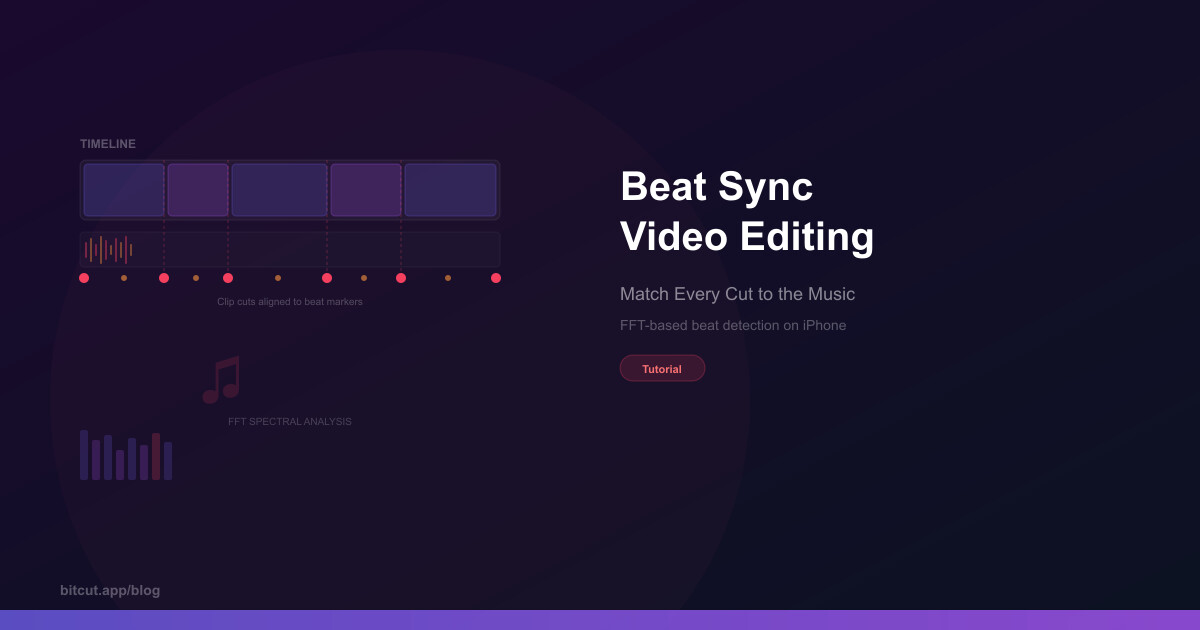
Beat Sync Video Editing on iPhone: Auto-Match Cuts to Music
Beat sync on iPhone: which editors match cuts to music beats automatically, how beat detection works, what CapCut, VN and Bitcut each do, and how to do it step by step.
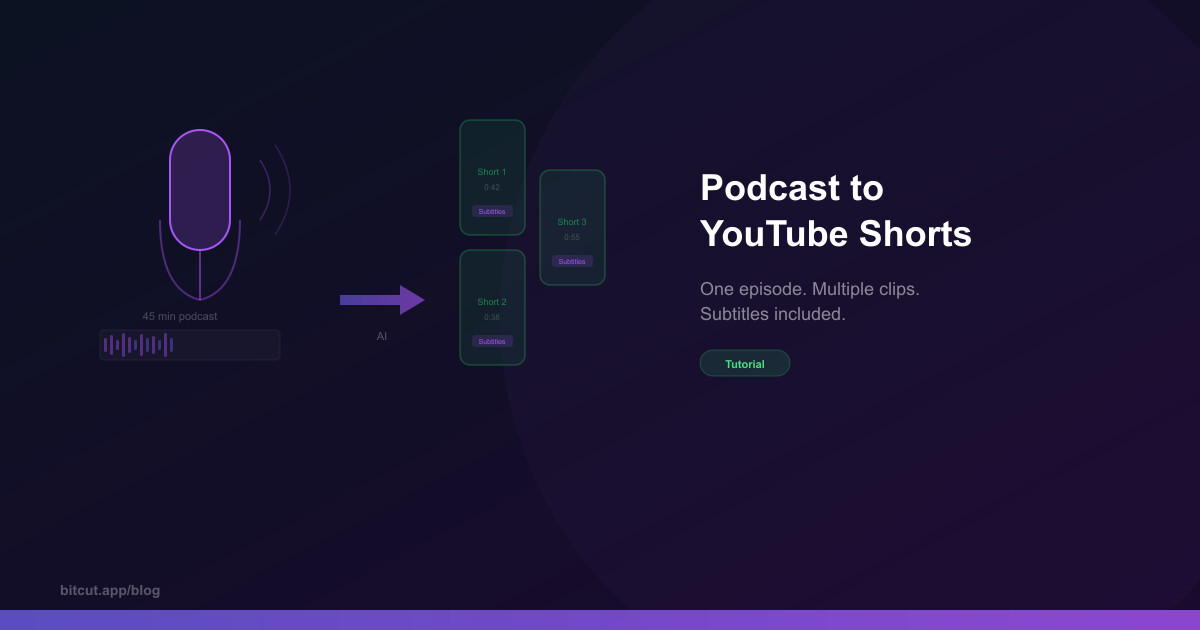
How to Turn a Podcast into YouTube Shorts
Learn how to repurpose long podcast recordings into engaging YouTube Shorts and TikTok clips — automatically with AI.
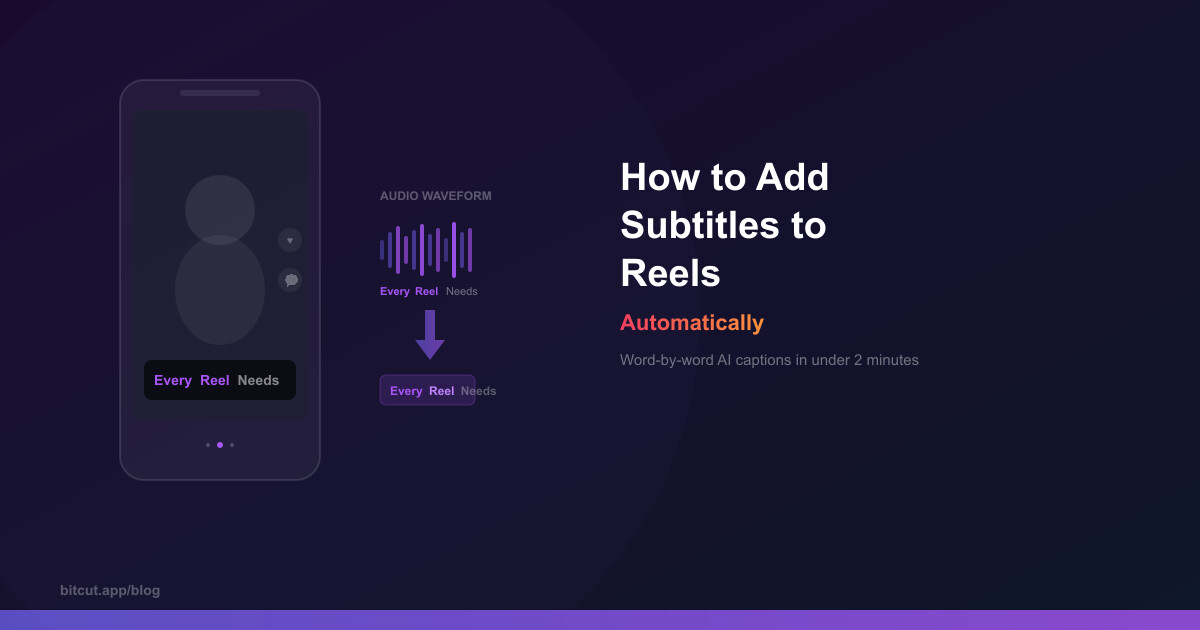
How to Add Subtitles to Reels Automatically
Add word-by-word subtitles to Instagram Reels and TikTok in minutes — no typing required.